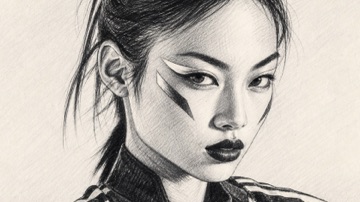
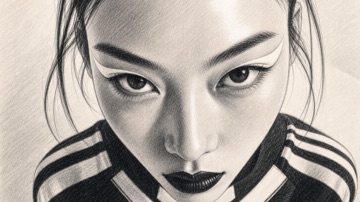
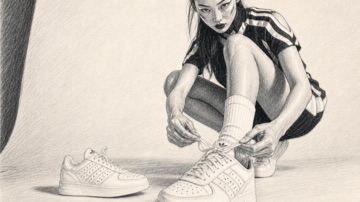
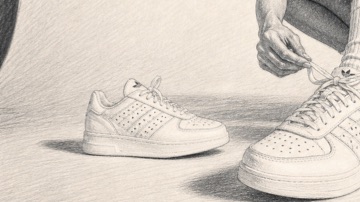
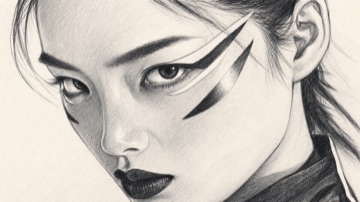
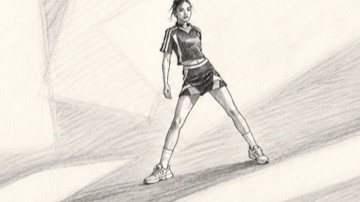
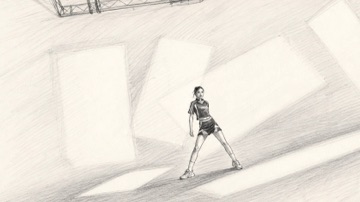
 SQ 01 | SC 01ACTION
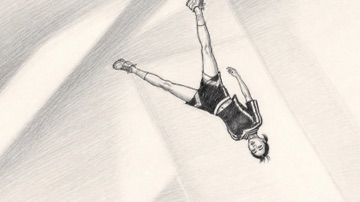 SQ 01 | SC 02ACTION
 SQ 01 | SC 03ACTION
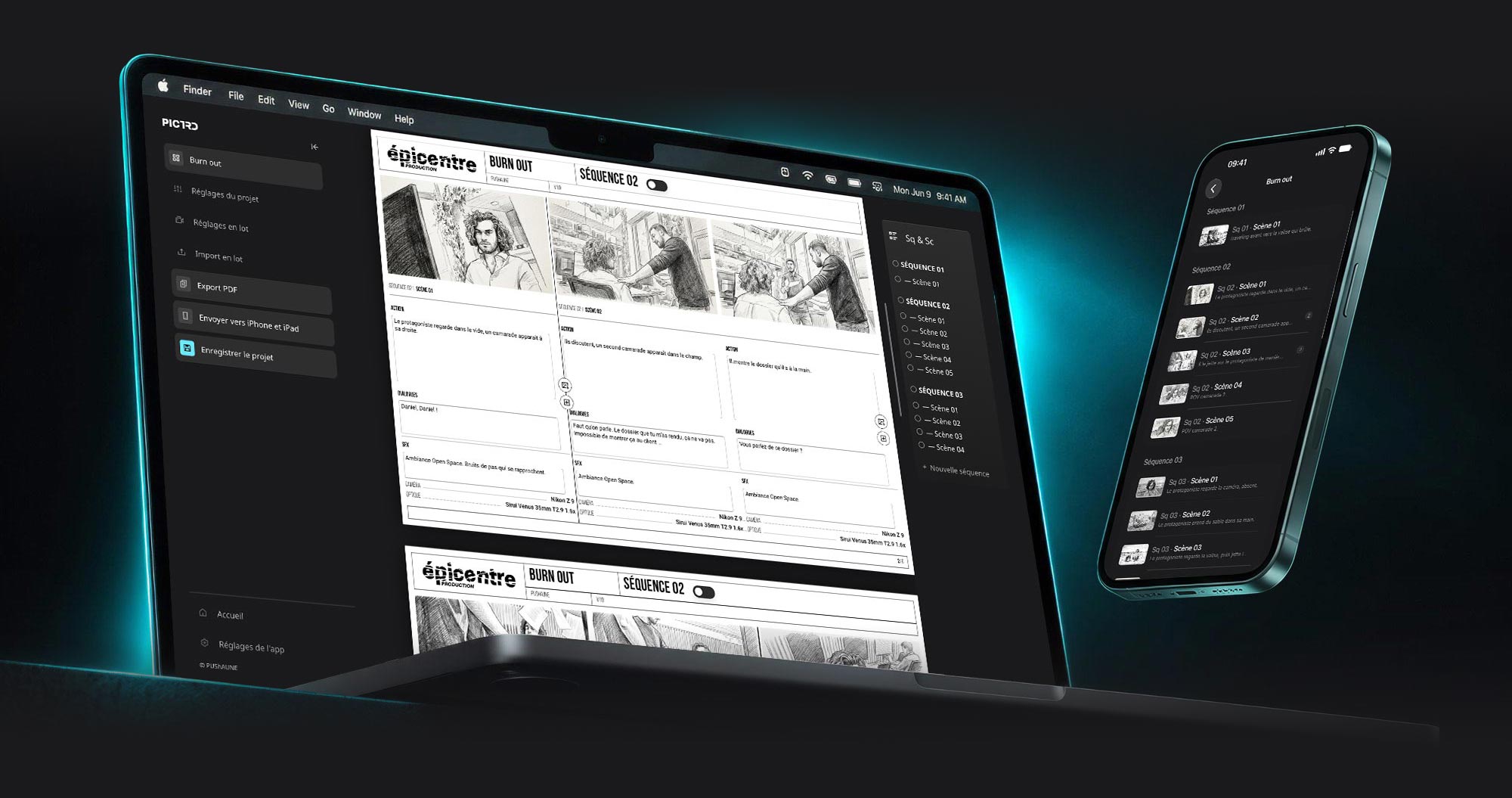
The page is the editor
No preview window, no surprises at export. What you type on the A4 page is exactly what ends up in the PDF.
Story boards for film and advertising, on Mac and Windows
Your keyframes become a sharp, client-ready story board. Drop your images, write, export: the PDF is out the door the same day.
Features
A professional layout, proven on real productions. You bring the images and the words, Pictrd takes care of the rest.
No preview window, no surprises at export. What you type on the A4 page is exactly what ends up in the PDF.
A list that follows you down the board. Drag to reorder, click to jump to a page, tick scenes to set a camera and lens on all of them at once.
Name your files Sq01Sc04-02.jpg, drop the folder into Pictrd: sequences, scenes and images fall into place. Rename in the Finder, import in seconds.
Save your name and your logos once, for white and for black pages. Every new project starts fully branded, and each board keeps its own copy, so it travels on its own.
A catalog of 1,800+ cameras and lenses, from ARRI and RED to Sony and Sigma, searchable as you type. Add your own gear, hide what you never use.
Vector A4 landscape pages, white or black background per sequence, fonts embedded, images compressed. Ready for the client, light enough to email.
Free
Pictrd was born on our shoots. We are sharing it with everyone who makes story boards: the same app for all, no subscription, no hidden extras.
The same app for everyone
€0free
Your story boards on set
Soonon the App Store
Optional, any amount you like
Yoursto choose
We ask for an email address when you download, only to tell you about updates. No advertising, no spam.
Roadmap
Pictrd keeps evolving. Here is what just shipped and what we are building next.
The same app, free, on PC: a Windows installer, every feature, and the same .stbd projects, which move from a Mac to a PC and back.
Available in 1.6An app to open and browse your story boards on set: send them from Pictrd, by AirDrop or by email, and find every scene on your phone, the whole page on iPad. Free, being published now.
Soon on the App StoreOn set, a note on a scene, written from the iPhone: it never changes the story board, and you find it back on the Mac afterwards.
PlannedHave an idea?Pictrd is built by people who make story boards. Tell us what would save you time. If it's relevant, we'll add it to the app.
Suggest a featureQuestions
On Mac: any Mac with an Apple Silicon chip (M1 or later) running macOS 15 or later; Intel Macs are not supported. On PC: Windows 10 or 11, 64-bit.
Soon. Pictrd for iPhone and iPad, a free reader for the story boards you send from the app (File › Send to iPhone and iPad), is being published on the App Store. If you leave your email when you download, you will hear about it.
Yes. The version you download here is complete and free, the same for everyone, for personal and professional work. No trial period, no license key, no subscription.
No. We only ask for an email address when you download, to tell you about Pictrd updates. No advertising, no spam, and one click to unsubscribe.
Nothing more than anyone else, on purpose: a contribution is a free gesture that helps us spend time on Pictrd. You choose the amount; zero is perfectly fine. Support the project
Yes. Pictrd runs entirely on your computer and needs no internet connection — enough for a whole shoot.
On your computer, as .stbd packages that hold your images, texts and logos. They belong to you, they copy and send like any other file, and nothing is uploaded anywhere.
About
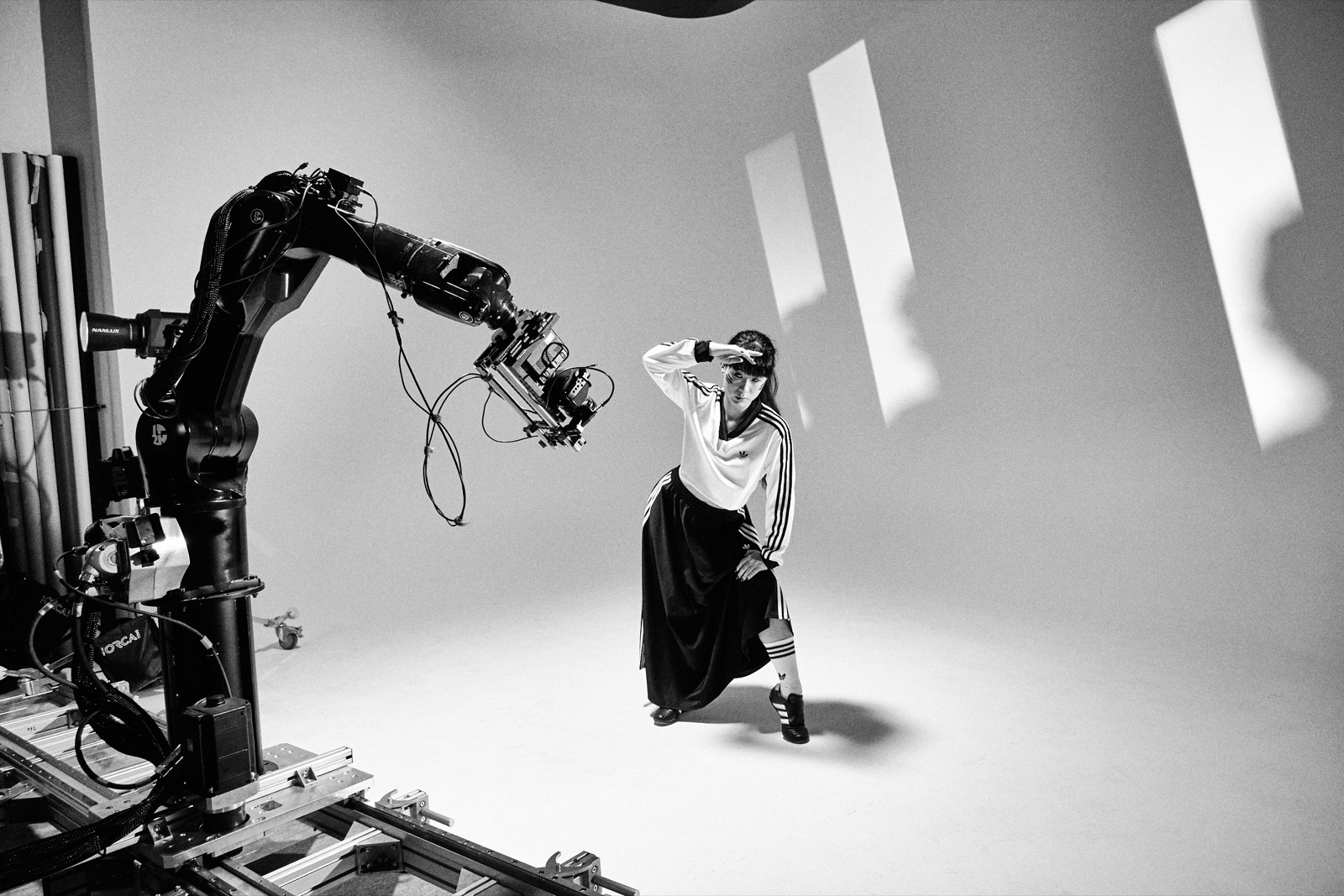
Pictrd is designed and built by PUShAUNE, an independent art director, graphic designer, photographer and filmmaker based in Marseille.
pushaune.com ↗A photo and video production company in Marseille, co-founded by PUShAUNE. Specialized in advertising and fiction, the team built Pictrd because it needed it on its own shoots.
epicentre-production.com ↗